

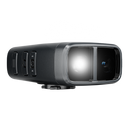
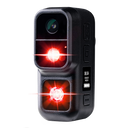
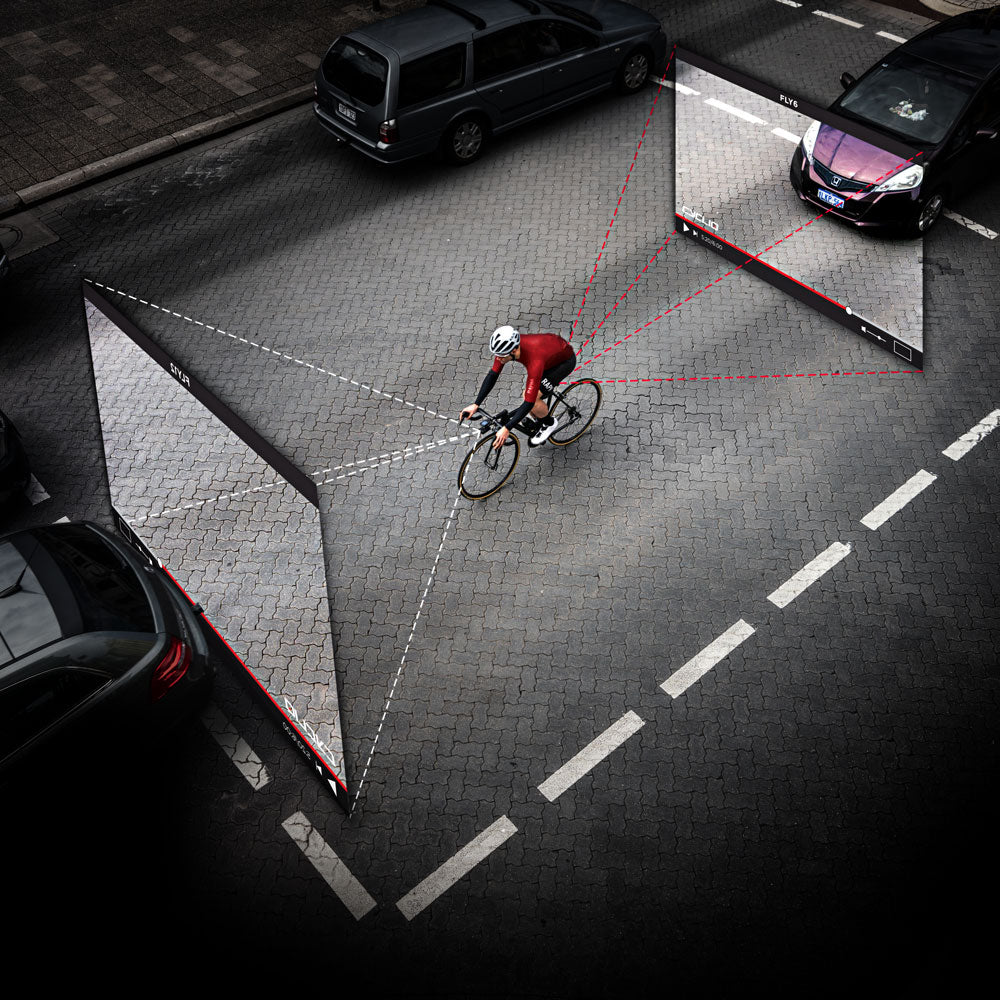
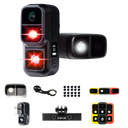
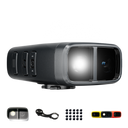
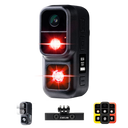
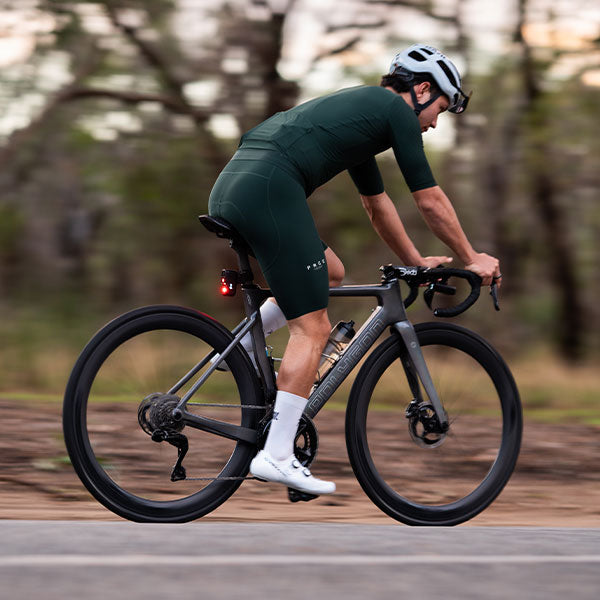
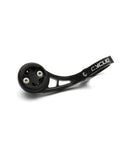
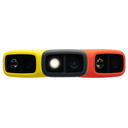

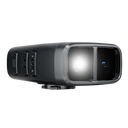
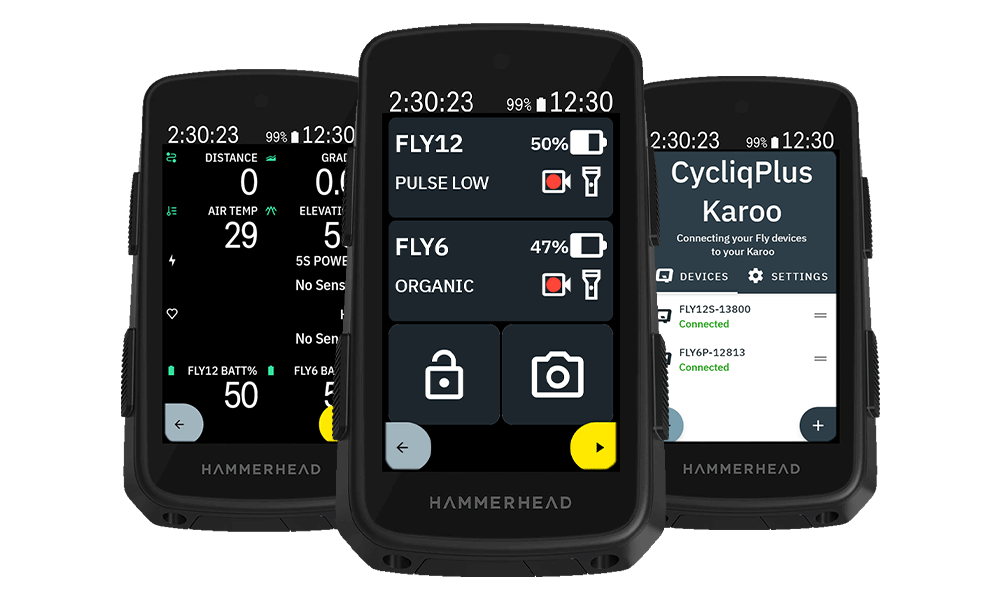
The new CycliqPlus Karoo extension brings full control and monitoring of your Fly12 Sport and Fly6 Pro to your Hammerhead Karoo. Manage your Fly devices directly from your Karoo, without taking your hands off the bars.
Riding should feel simple and safe. CycliqPlus Karoo keeps your eyes up, puts your camera status right where you can see it, and gives you instant control from the cockpit.
Control your cameras from your SRAM AXS buttons
If you ride a SRAM AXS groupset, you can map your Fly12 Sport and Fly6 Pro controls to the buttons you already use - your Blips or shifter buttons. A quick press, eyes still forward, hands still on the bars:
- Change light modes on Fly12 Sport and Fly6 Pro
- Start and stop recording
- Lock incident footage
- Snap a photo mid-ride
- Power Fly12 Sport and Fly6 Pro on/off
Everything you need in a single data field
Add the Device Controls field to a page, and your cockpit gains a live, tappable view of both cameras:
- Auto-connect to your Fly12 Sport and Fly6 Pro when your Hammerhead Karoo wakes up
- Live battery level for each device
- Current light mode at a glance (Organic, Camera Only, Flash High, and more)
- Lock footage during an incident
- Take a snapshot with a single tap
- Start and stop recording manually
- Power devices on and off from the bars
Prefer to keep an eye on battery levels independently? Dedicated battery fields for your Fly12 Sport and Fly6 Pro can be added to any data page alongside your speed, power, and heart rate.
Optional in-ride alerts
Prefer to be notified rather than look down? Turn on audio alerts for low battery, incidents, shutdowns, and charging.
Getting started
- Install CycliqPlus Karoo by sharing the app to your Hammerhead Karoo via the Hammerhead Companion app - full walkthrough in Installing CycliqPlus Karoo.
- Open CycliqPlus Karoo from your Extensions list and pair your Fly12 Sport and/or Fly6 Pro.
- Add the Device Controls field to its own page in a ride profile.
- Optionally, map your preferred actions to your SRAM AXS buttons.
If a device doesn't appear, make sure it's powered on, not connected to your phone, and search again.
Compatibility
- Hammerhead Karoo (3rd generation)
- Fly12 Sport and Fly6 Pro
Auto-start your cameras
For your Hammerhead Karoo to wake your Fly12 Sport and Fly6 Pro, they need BLE Always-On enabled:
- On the latest firmware, this is handled automatically - CycliqPlus Karoo turns it on the first time it connects.
- On older firmware, set it manually: Fly6 Pro via CycliqPlus Mobile (Settings, System Configuration, Bluetooth Visibility, Always On); Fly12 Sport via CycliqPlus Desktop (connect by USB, System Configuration, Bluetooth Visibility, Always Visible).
Once set, powering on your Hammerhead Karoo brings your Fly12 Sport and Fly6 Pro to life shortly after startup.
Need help?
Everything you need is in our Help Centre - getting started, compatible devices, and a full overview of what CycliqPlus Karoo can do.
What's next?
Head to Installing CycliqPlus Karoo and get rolling. Got feedback? We'd love to hear it.

